You just sent someone a message on WhatsApp. You’re sitting there. Waiting.
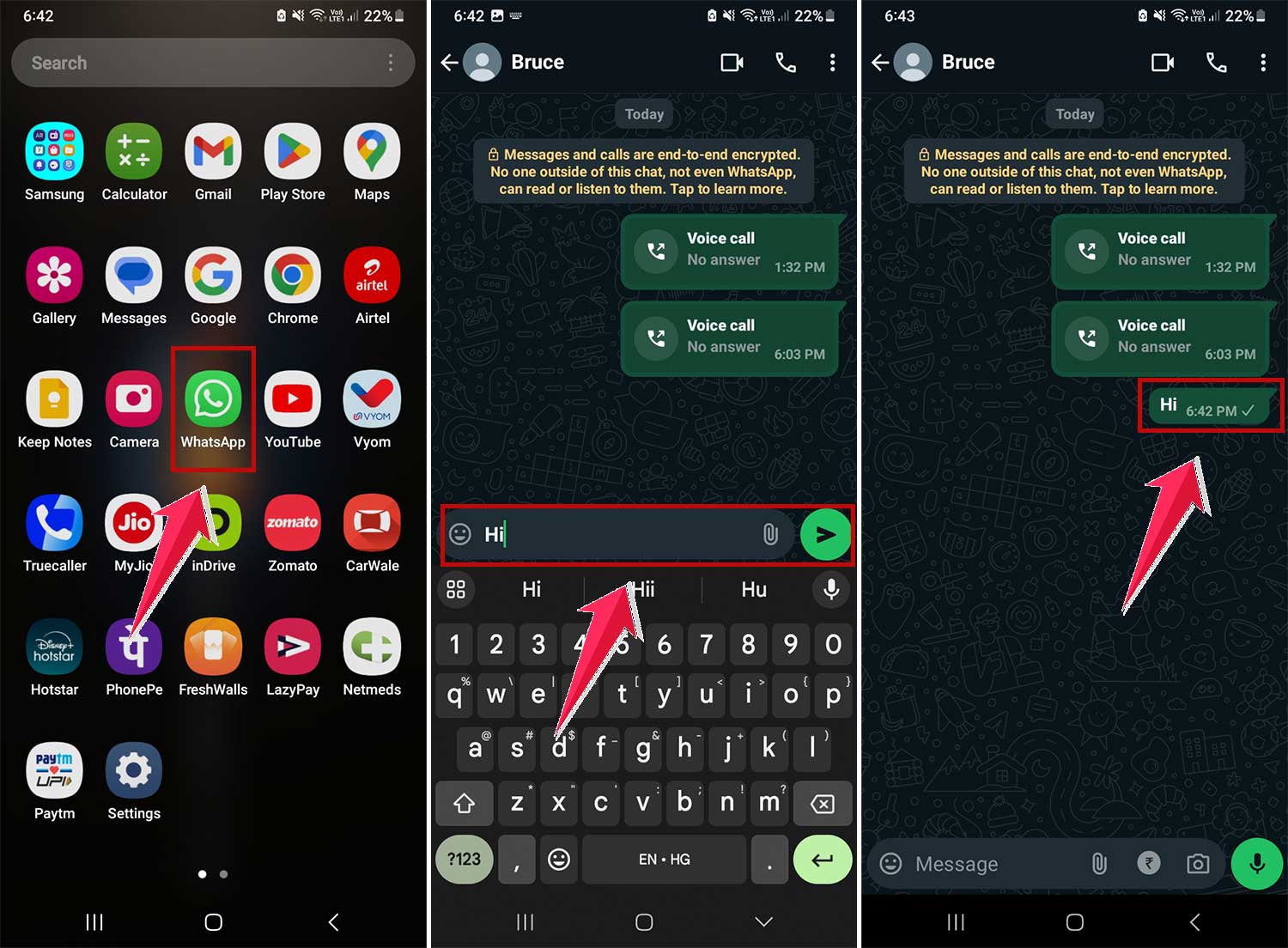
But there’s only one tick next to your message. And you’re confused.
You’re online. Your internet is fine. So why hasn’t that second tick shown up?
Let’s break this down. No fluff. Just real answers so you stop overthinking what that one grey tick means.
What does that single tick really mean?
It means your message has left your phone. And, it’s already reached WhatsApp’s servers. But it hasn’t been delivered to the other person’s device yet.
That’s the truth.
So even if you’re online, the message is stuck waiting. Not because of your connection. But because of theirs.
So why isn’t it reaching your friend’s phone?
A few things could be happening.
First, their phone might not be connected to the internet. Maybe they’re in airplane mode.
Maybe they ran out of data. Or maybe they’re just somewhere with terrible network coverage.
Second, their phone might be off. Switched off completely. Or out of battery.
Third, they might have uninstalled WhatsApp. Or logged out from their device if they’re using WhatsApp Web or linked devices.
Fourth. And yes, this one can be awkward. They might’ve blocked you.
Let’s not jump to conclusions. But if it’s been stuck at one tick for days, and you can’t see their profile picture, last seen, or online status anymore… blocking is one possibility.
You’re online. So does it matter?
No. It doesn’t. WhatsApp ticks don’t care about your status. Only your friend’s.
You can be online, typing, reading chats, and even sending messages to others.
But that one message will still sit there with a single tick if the recipient’s phone isn’t receiving it.
It’s all about delivery to them. Not about you being active.
So is one tick a bad thing? Not really.
It just means “sent but not delivered.” That’s all.
It doesn’t mean you’re being ignored. It doesn’t mean you did anything wrong.
It’s just like dropping a letter at the post office. The post office has it. But the person you’re sending it to hasn’t opened their mailbox yet.
And you won’t see the second tick until that mailbox opens.
And as soon as their phone connects to the internet. Boom. The message gets delivered.
You’ll see a second grey tick.
And if they open the message, those ticks will turn blue (unless they’ve turned off read receipts).
Let’s go a bit deeper.
You might ask: why does it show a single tick for just this one contact, but everyone else’s messages get delivered fast?
That’s because WhatsApp handles delivery person by person.
Each message is tracked individually.
So even if you can chat with five friends, one person might be offline or have an issue. and their message won’t go through.
That’s why the tick stays lonely.
What do those little ticks mean on WhatsApp?
Think of these as mini status indicators. They’re not just decoration — they tell you exactly what’s happening behind the scenes.
Single grey tick: Your message has left your phone. It’s floating on the internet, waiting to reach the other person’s device.
Double grey ticks: It reached their phone. It’s sitting there, maybe as a notification. But they haven’t opened WhatsApp yet.

Double blue ticks: Boom. They opened the app and saw your message. It’s been officially “read.”

Pretty handy, right?
Can they still receive calls or see my profile?
Depends.
If their phone is off or not connected, no. They won’t get your call or see anything.
If they blocked you, then you won’t see their profile picture updates, their last seen, or their online status anymore. You’ll also never get past that single tick. Ever.
Try calling them. If the call doesn’t go through and the tick stays grey, and you don’t see their profile pic… then it’s likely a block.
Still, don’t overthink. Wait a bit.
But I just saw them online! What now?
Now it gets interesting.
If you see them online but still see only one tick, something else might be going on.
Maybe they’re using another phone. Or using WhatsApp Web.
Maybe their phone’s primary WhatsApp device is off, but they’re active on a linked one.
Or, they might’ve restricted their privacy settings. You’re online, they’re online, but your message still isn’t showing two ticks.
Why? Because it hasn’t landed on the main device yet.
The tick system depends on delivery to their main WhatsApp. Not just activity elsewhere.
Does WhatsApp ever glitch like this?
Rarely, but yes.
Sometimes, due to sync delays or server lag, messages might get stuck at one tick for a few seconds longer than usual.
But it usually resolves on its own.
If not, restart your app. Or check WhatsApp’s Twitter page if there’s a known outage.
But in most cases. The issue is on their end.
What if it stays at one tick forever?
If a full day has passed and you still see just one tick:
- Their phone may be off for an extended time
- They may not be using WhatsApp anymore
- You may have been blocked
No need to jump to conclusions, though.
People go offline. Phones die. Life happens.
Wait it out. And if it keeps happening for multiple messages, across days. Only then consider it something more.
What about in group chats?
Ticks work a bit differently there.
One tick means your message has left your phone.
Two grey ticks mean it was delivered to everyone in the group.
Two blue ticks? Everyone has read it.
So even in groups, the rule is: single tick = not yet delivered to the group members.
Can I force a second tick to appear?
Nope.
You can’t force delivery.
You can try:
- Waiting a while
- Sending another message
- Restarting your internet
- Restarting the app
But none of these guarantees anything.
Because again. It’s not about your phone.
It’s about theirs.
Why does WhatsApp use this system anyway?
So you stay informed.
Without ticks, you’d never know if the message was stuck on your phone or delivered or read.
It’s a simple system. But it tells you a lot.
And once you understand it, you’ll stop guessing what’s going on.
You’ll know exactly what’s happening. and what’s not.
The takeaway
Breathe. It’s okay. Your message was sent. That’s confirmed.
It just hasn’t been delivered. Yet. So stop staring at your screen. Stop refreshing.
Let WhatsApp do its thing. When their device is ready, it’ll get there. Simple.
You don’t need to panic, and you don’t need to assume the worst.
Understanding how it works gives you control. And peace of mind.
So the next time that single grey tick shows up, you’ll know exactly what it means. No guesswork. No stress. Just clarity.