Did you know you can use your Android tablet for texting, just like your phone? It’s true! More and more people are using their tablets to stay in touch with friends and family.
But finding the right texting app for your tablet can be tricky. Some apps that work great on phones don’t look or feel right on a bigger tablet screen. Others might be missing features you need.
Don’t worry, though. We’ve done the research for you. In this article, you’ll find our top 5 picks for texting apps that work really well on Android tablets. We’ll tell you about each app’s best features and help you choose the one that’s right for you.
Whether you want something simple or an app with lots of bells and whistles, we’ve got you covered. Ready to find the perfect texting app for your Android tablet? Let’s get started!
5 Best texting apps for your Android tablet
Are you feeling a bit lost when it comes to texting on your Android tablet? Don’t worry – you’re not alone. Many people aren’t sure how to make the most of their tablets for messaging.
But here’s some good news: your tablet can be a great tool for staying in touch with friends and family. Let’s walk through some of the best texting apps that work well on Android tablets.
1. Google Messages

If you’re already using an Android phone, Google Messages might be just what you need. Here’s how it works:
You can link your phone number to your tablet, so you can send regular text messages right from your bigger screen. It’s like having your phone’s messaging app on your tablet.
What’s great about Google Messages:
- You can send voice messages and share videos
- There’s a dark mode for when you’re texting at night
- You can even use it through a web browser on your computer
But keep in mind: Sometimes, the connection between your phone and the app can be a bit shaky. Don’t worry though – it usually works just fine.
Google Messages lets you do all the fun stuff you’re used to on your phone, like sending GIFs and stickers and using the Emoji Kitchen.
You can even set your own notification sounds. If you don’t have it yet, you can easily download it from Google Play.
2. WhatsApp
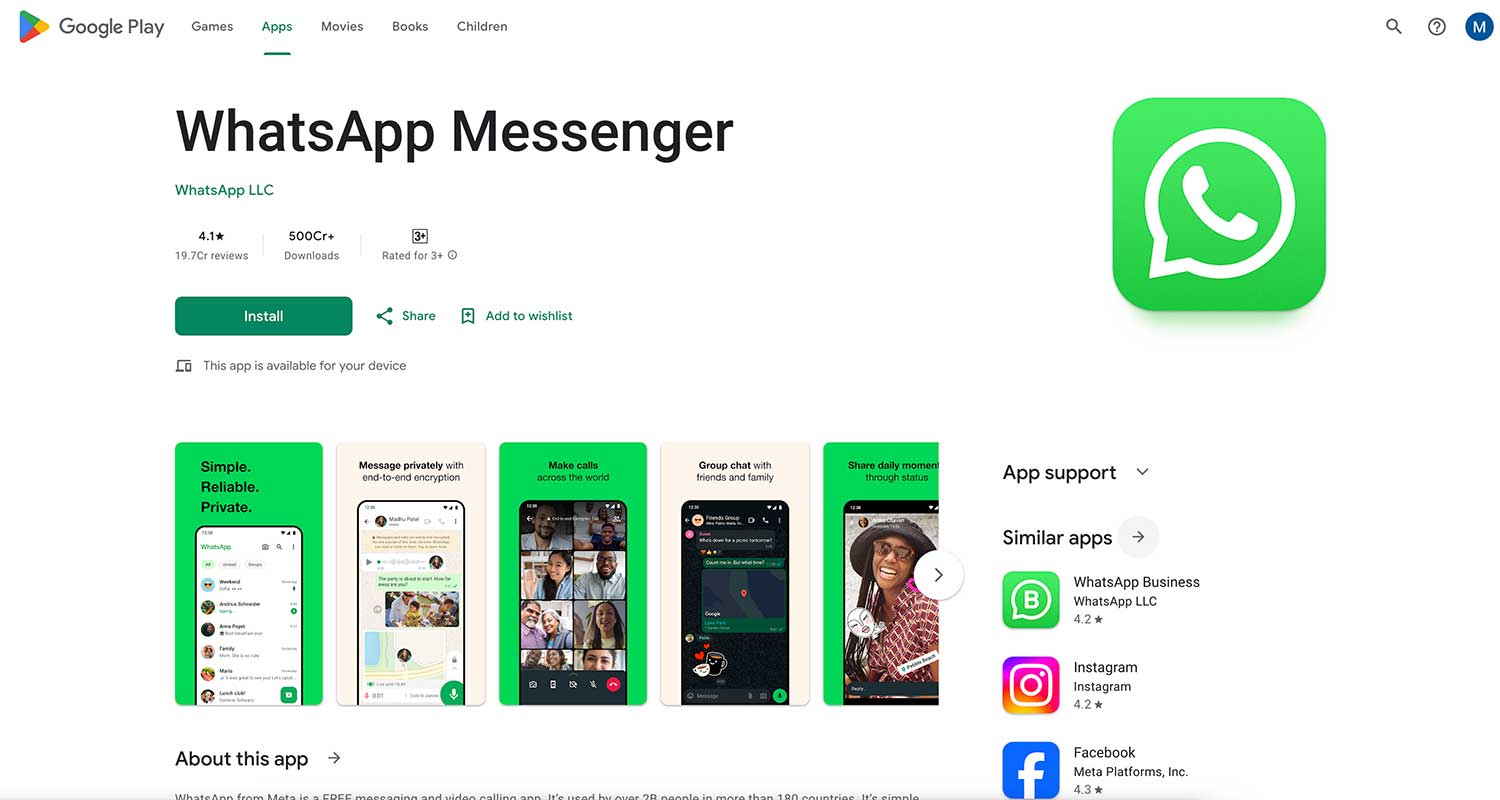
WhatsApp is super popular, and for good reason. It’s not just for phones – it works great on tablets too.
What makes WhatsApp special:
- You can chat with groups of friends
- Share files up to 16 MB in size
- It’s totally free and doesn’t have annoying ads
- Your messages are private thanks to end-to-end encryption
A few cool things about WhatsApp:
- You can make voice calls over Wi-Fi
- There’s a map feature to share your location (handy when meeting up with friends!)
- You can set status messages and share photos with fun filters
Just remember, voice calls might not work everywhere, and you’ll need to turn on the privacy settings yourself.
3. Talkatone
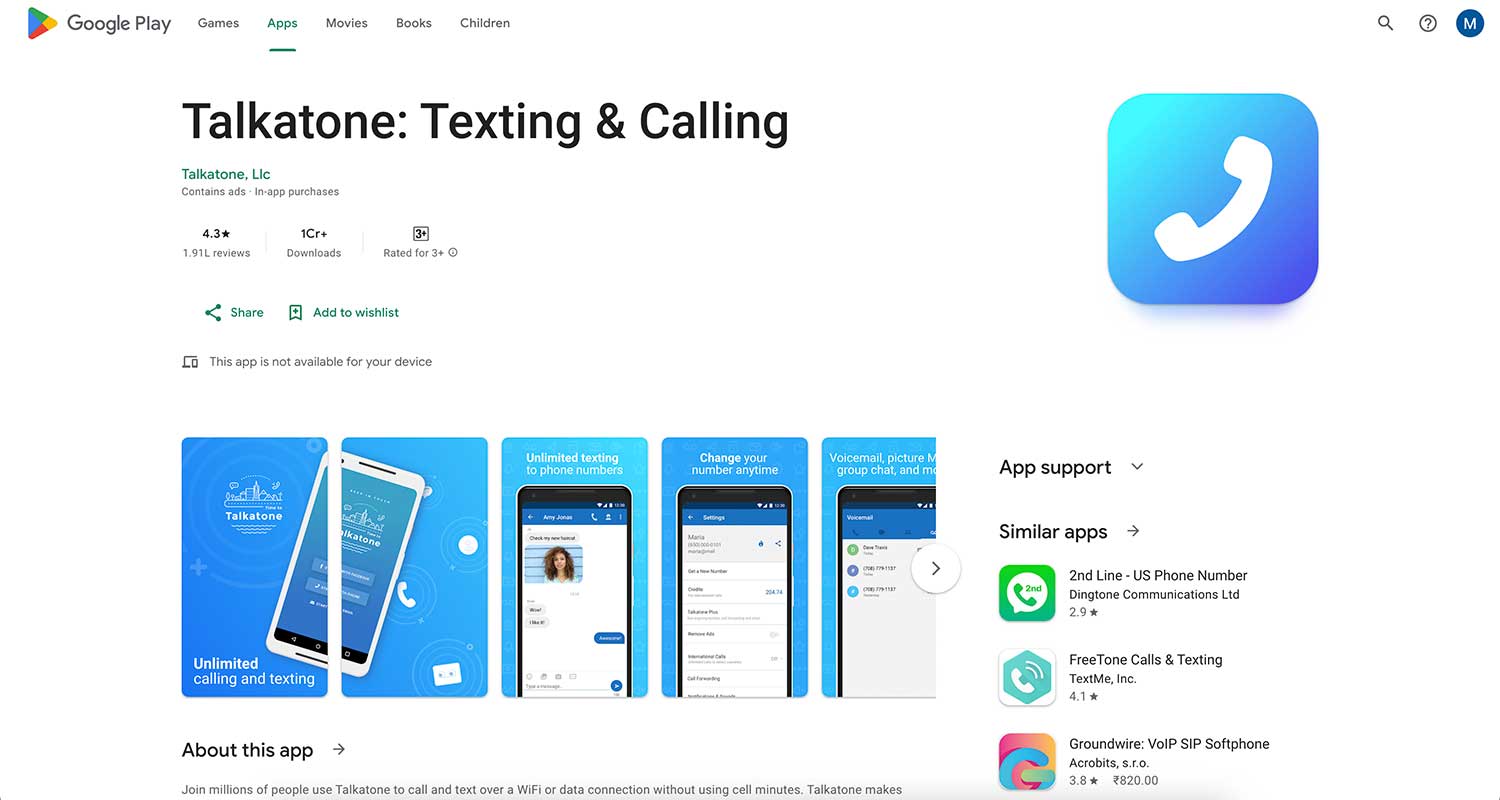
Talkatone is pretty neat – it actually gives your tablet its own phone number. Here’s what you can do:
- Make calls to any number in the world
- Send texts and picture messages for free in the US and Canada
- Use fun GIFs in your chats
- Change your phone number whenever you want
The best part? The person you’re contacting doesn’t need Talkatone. Your messages will show up in their regular text inbox.
A few things to keep in mind:
- You can only get US or Canadian numbers
- If you don’t use it for 30 days, you might lose your number
- Some extra features cost money
4. Telegram

Telegram is great if you use lots of different devices. You can use it on your tablet, phone, and computer – it syncs across all of them.
Cool things about Telegram:
- You can edit or delete messages even after sending them
- Set messages to disappear after a certain time
- Share files and your location
- Make voice and video calls with up to 30 people
- Create your own stickers
Just be aware that you might get some spam messages, and it can be hard to tell when your contacts are online.
5. Viber

If you want an app that does a little bit of everything, Viber might be for you.
What Viber offers:
- Lots of stickers and GIFs to make your chats fun
- Send text messages, make voice calls or video chat
- Your messages are always encrypted for privacy
- Send video messages or share files
- Join public or private channels to chat about your interests
The downside? It might have more features than you need, and there are some ads.
The takeaway
Texting on your Android tablet doesn’t have to be complicated. We’ve looked at six great apps that can make messaging from your tablet easy and fun.
Each app has its own special features. Google Messages links with your phone, WhatsApp is great for group chats, and Talkatone even gives your tablet its own phone number. Telegram works on lots of devices, Viber is packed with fun extras, and Pulse SMS lets you organize your messages just how you like.
Remember, you don’t need to be a tech expert to use these apps. They’re designed to be user-friendly, even if you’re new to tablet texting.
The most important thing is to choose an app that feels right for you. Think about what you need – maybe it’s video calls, or perhaps you just want simple texting.
Whatever you choose, these apps can help you stay in touch with friends and family using your Android tablet. Why not try one out today?
We’d love to hear about your experience with these texting apps. Share your thoughts in a comment below!