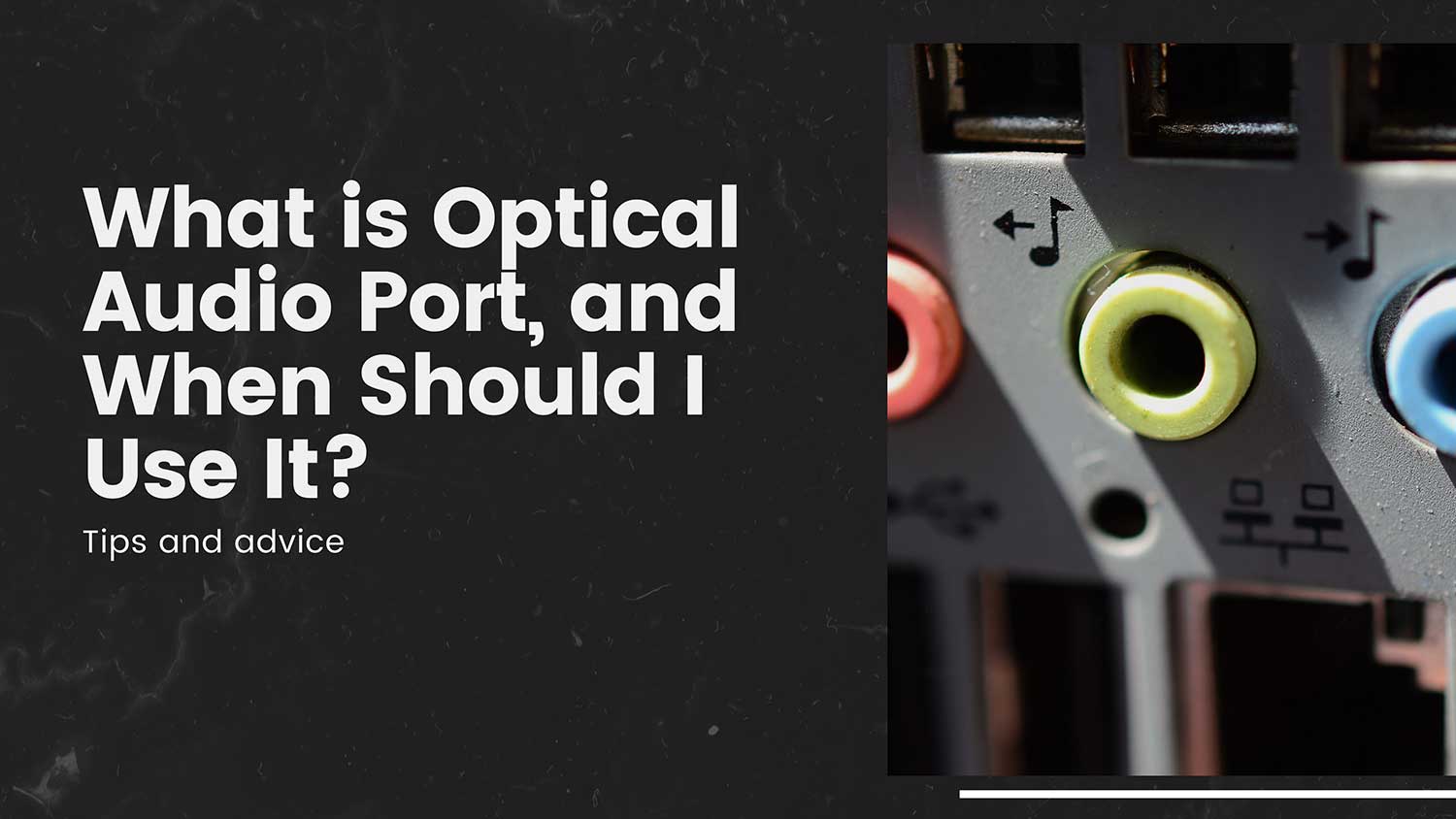
Are you staring at that small, trapezoidal port on your TV or sound system, wondering what it’s for? You’re not alone. This mysterious little opening is an optical audio port, and it might just be the solution you’re looking for to improve your sound setup.
If you’re here, you’re probably trying to connect your audio devices or solve a sound quality issue. Maybe you’ve run out of HDMI ports, or you’re dealing with annoying buzzing in your speakers. Whatever the case, optical audio could be your answer.
In this article, we’ll break down what optical audio is, why it’s still relevant in 2024, and when you should use it. We’ll keep things simple and practical, focusing on how this technology can help solve your audio challenges right now. Whether you’re setting up a new system or troubleshooting an existing one, we’ve got you covered.
What is an Optical Audio Port?
The optical audio port, also known as TOSLINK (Toshiba Link) or simply “optical,” is a digital audio connection that uses fiber optic technology to transmit sound signals.
Unlike traditional audio cables that rely on electrical signals, optical audio cables use pulses of light to carry digital audio data.
You can easily identify an optical audio port by its distinctive shape – a small, square-ish opening with one side slightly curved, resembling a tiny door.
When the device is powered on, you might notice a faint red glow emanating from the port, which is the laser light used for signal transmission.
Toshiba introduced the TOSLINK standard back in 1983, originally designed for use with CD players. Despite being nearly four decades old, this technology has stood the test of time and remains relevant in modern audio setups.
Advantages of Optical Audio

1. Optical audio gives you clear, high-quality sound
Optical audio transmits pure digital signals. This means you get excellent sound quality for all the audio formats it supports. When you use an optical audio connection, you’re ensuring that the sound reaches your speakers or headphones in its best possible form.
2. Your audio won’t be affected by electrical interference
Unlike traditional audio cables, optical audio uses light to transmit sound. This makes it immune to electromagnetic interference and ground loop issues. You won’t hear buzzing or humming in your speakers caused by electrical problems. This can be especially helpful if you have a lot of electronic devices near your audio setup.
3. You can use optical audio with many different devices
Various devices widely support optical audio. You’ll find optical audio ports on TVs, gaming consoles, soundbars, and audio receivers. This means you can easily connect different audio components in your home entertainment system without worrying about compatibility issues.
4. Connecting optical audio cables is straightforward
Optical audio cables are designed for easy use. They only fit into the port one way, so you can’t plug them in incorrectly. There’s no need to screw or lock the cable in place – it simply clicks in. This makes setting up or changing your audio connections quick and hassle-free.
5. Optical audio cables are often cheaper than other high-quality options
You can get good quality optical audio cables without spending a lot of money. They’re often less expensive than high-end HDMI or analog audio cables. This means you can achieve great sound quality without breaking the bank on expensive cables.
When Should You Use Optical Audio?

While HDMI has become the dominant standard for audio-video connections, there are several scenarios where optical audio shines:
1. Optical audio works great with older audio equipment
If you have a high-quality older receiver or soundbar that doesn’t have HDMI inputs, optical audio is an excellent option. It allows you to connect your modern devices to your older audio equipment, ensuring you can still enjoy great sound quality without having to replace your entire system.
2. You can simplify your setup by separating audio and video
Sometimes, you might want to use different cables for audio and video. Optical audio lets you do this easily. You can use HDMI for your video and optical for your audio. This can make your setup cleaner and easier to manage, especially if you’re dealing with multiple devices.
3. Optical audio can eliminate annoying buzzing sounds
If you’re hearing buzzing or humming through your speakers, it might be due to a ground loop issue. Switching to optical audio can often solve this problem because it doesn’t carry electrical signals. This means you can enjoy your audio without any unwanted background noise.
4. Use optical audio when you run out of HDMI ports
If you’ve used up all the HDMI ports on your TV or receiver, optical audio can help. You can use HDMI for devices that need both video and audio, and optical for devices that only need to send audio. This way, you can connect more devices without needing to buy an HDMI splitter.
5. Optical audio is useful for gaming setups
Many gaming consoles and PCs have optical audio outputs. This makes optical audio a great choice for connecting to gaming headsets or speakers. It can provide high-quality sound for your games without any lag or interference.
What audio formats are supported by Optical audio?
Optical audio supports several popular audio formats, including:
- PCM (2-channel stereo).
- Dolby Digital (up to 5.1 channels).
- DTS Digital Surround.
However, it’s important to note that optical audio doesn’t support some of the newer, high-bandwidth formats like Dolby Atmos or DTS:X. For these formats, you’ll need to use HDMI.
Optical Audio vs. HDMI ARC
HDMI ARC (Audio Return Channel) is often seen as a competitor to optical audio. Here’s how they compare:
- Convenience: HDMI ARC allows for two-way communication, potentially simplifying your setup.
- Audio Formats: HDMI ARC supports more advanced audio formats.
- Control: HDMI ARC enables CEC (Consumer Electronics Control), allowing you to control multiple devices with one remote.
However, optical audio still has advantages in terms of widespread compatibility and resistance to interference.
How to Use Optical Audio
Using optical audio is straightforward:
- Locate the optical audio ports on your devices (usually labeled “Optical” or “TOSLINK“).
- Connect an optical audio cable between the two devices.
- In your device’s audio settings, select optical audio as the output.
- Enjoy your high-quality digital audio!
Tips for Using Optical Audio

1. Be gentle with your optical audio cables
Optical audio cables contain delicate glass fibers inside. These fibers can break if you bend the cable too sharply. When you’re setting up your audio system, make sure to handle the cables carefully. Create smooth curves instead of sharp angles when routing the cables. This will help your cables last longer and maintain good sound quality.
2. Keep your optical audio ports and cable ends clean
Dust and dirt can block the light signal in optical audio connections. This can lead to poor sound quality or no sound at all. Regularly check the ports on your devices and the ends of your cables. If you see any dust, gently clean it with a soft, dry cloth. For stubborn dirt, you can use a can of compressed air. Just be careful not to damage the delicate parts.
3. Choose good quality optical audio cables
While optical audio cables are generally reliable, very cheap cables might not perform well. They may use lower quality materials that can affect your sound. When buying optical audio cables, you don’t need to spend a fortune, but it’s worth choosing a reputable brand. Look for cables with good reviews from other users.
4. Don’t use very long optical audio cables
For the best sound quality, try to keep your optical audio cables under 5 meters long (that’s about 16 feet). The longer the cable, the more the light signal can degrade. This can affect your sound quality. If you need to cover longer distances, consider using a signal booster or looking at alternative connection methods.
While HDMI has become the dominant standard for audio-video connections in new devices, optical audio isn’t going anywhere soon. Its simplicity, reliability, and widespread compatibility ensure it will remain a valuable option for audio enthusiasts and everyday users alike.
The takeaway
Optical audio ports, despite being an older technology, still offer significant benefits for many audio setups. They provide high-quality digital sound and are immune to electrical interference, making them ideal for certain situations.
Key advantages include their wide compatibility with various devices and their ability to simplify complex setups. They’re particularly useful for connecting older audio equipment or solving ground loop issues that cause buzzing in your speakers.
While it’s true that HDMI has largely replaced optical for many users, it’s a misconception that optical audio is obsolete. In fact, it remains a valuable option for many scenarios, offering a reliable and straightforward way to transmit digital audio.
As you set up or upgrade your audio system, don’t overlook the optical audio port. It might just be the simple solution you need for better sound quality or a more streamlined setup. Remember, the best audio connection is the one that works for your specific needs and equipment.
We’d love to hear about your experiences with optical audio. Have you found it useful in your setup? Share your thoughts in the comments below!