You’ve probably followed way too many people on Instagram over time. Friends. Old classmates. That travel blogger you admired in 2019. Now your feed feels like a mess, and you just want to clean it up.
But here’s the problem. You’re scared. What if someone finds out you unfollowed them? Will they get a notification? Will it be awkward?
Let’s get this out of the way first.
No, Instagram doesn’t send a notification when you unfollow someone.
So you can breathe easy. When you hit that “Unfollow” button, nothing pops up on their phone. No alert. No banner. Nothing.
But don’t leave just yet. because while Instagram stays silent, people still find out sometimes. Let’s talk about why that happens and how you can avoid any weird situations.
What actually happens when you unfollow someone?
When you unfollow someone, you’re telling Instagram: I don’t want their content in my feed anymore.
It’s clean and quiet. Their posts, stories, and reels disappear from your feed. You won’t see what they post unless you go to their profile. If their account is private, you won’t see anything unless they let you follow them again.
They don’t get a pop-up. They won’t get an email. Instagram doesn’t say a word.
But if they’re paying attention, they might still notice.
Can someone find out that you unfollowed them?
Yes, they can. But only if they go looking.
If they visit your profile and don’t see you on their follower list, they’ll know.
Some people even use follower tracking apps. These apps can send alerts when someone unfollows them. That’s how some users find out fast. especially influencers or people who treat Instagram like a numbers game.
But those apps are not officially supported by Instagram. They often need access to your account, which is risky. You should avoid them for your own safety.
Still, if the person is the kind who checks their follower list often, they’ll probably figure it out.
What if you don’t want to hurt their feelings?
You don’t always want to unfollow someone just to stop seeing their posts. Maybe it’s a friend. Maybe it’s your cousin. You still care. But their daily gym selfies are driving you crazy.
Instead of unfollowing, you can mute them.
When you mute someone, they stay on your follower list. They won’t know you muted them. And you won’t see their stories or posts anymore.
Here’s how to do it:
- Go to their profile.
- Tap the “Following” button.
- Choose “Mute“.
- Select whether you want to mute just their stories, their posts, or both.
You can unmute them anytime. And they’ll never know you did it.
It’s a perfect middle ground if you’re trying to keep the peace.
What about close friends?
Unfollowing someone you know in real life can feel heavy. You might see them often. You might talk regularly. If they notice, it can turn into a weird conversation.
That’s why it’s better to think before unfollowing someone close to you. If their content really bothers you, mute them first. Give it time.
If you still feel like unfollowing is the right move later, then go ahead. Just be ready to explain yourself if they bring it up.
Because while Instagram won’t tell them, real-life relationships don’t work the same way.
Can people see who unfollowed them?
Instagram doesn’t make this easy.
There’s no tab or list showing who unfollowed you. But if someone remembers you were following them and now you’re not, that’s enough.
Here’s how people usually check:
They search for your name in their follower list. If they don’t find you, they know you’re gone.
Or they use those third-party apps we talked about. Again. These apps can be a privacy risk, and Instagram might ban your account for using them.
So, unless someone is actively checking, they probably won’t notice.
How to tell if someone has unfollowed you on Instagram?
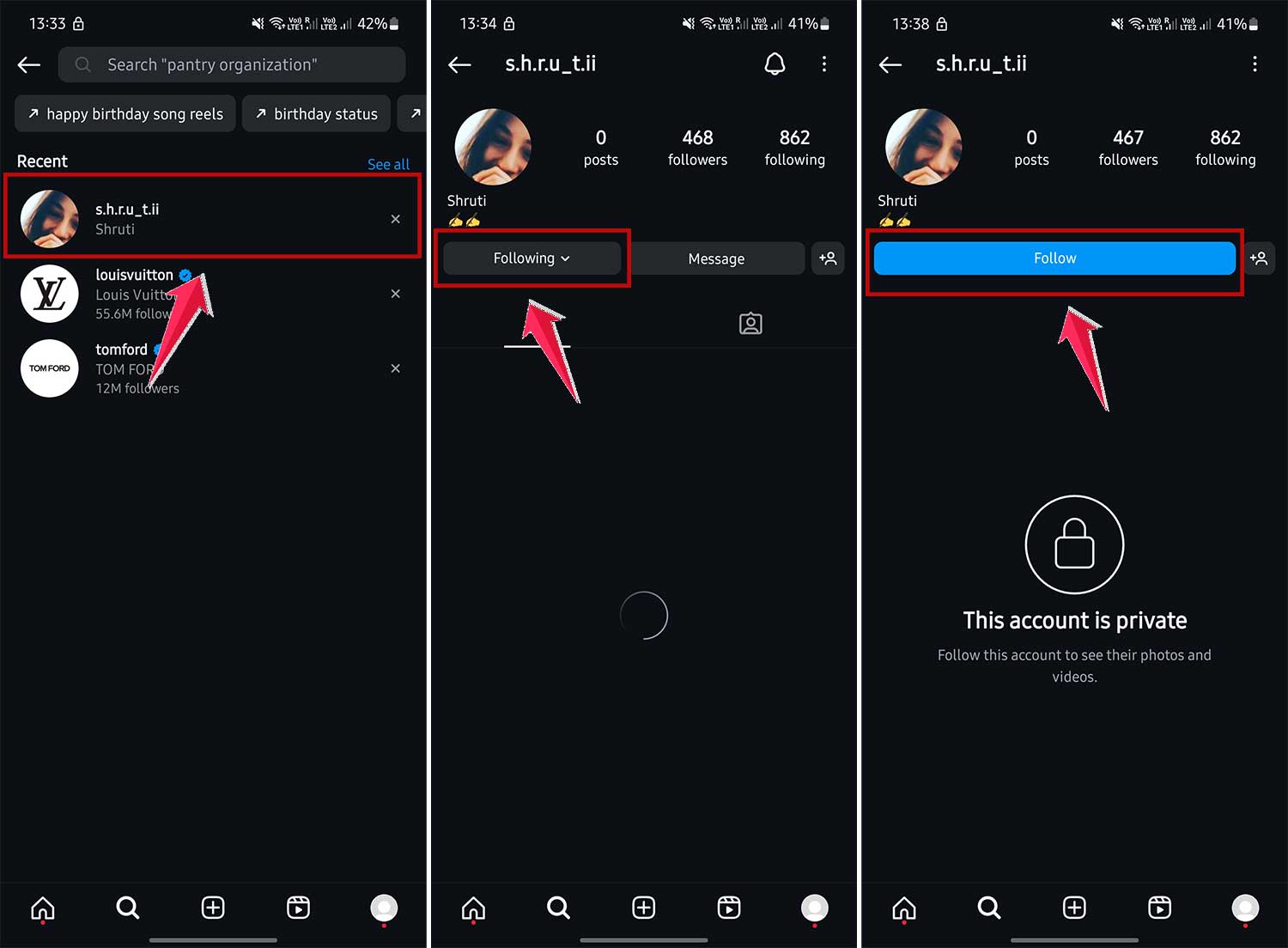
You won’t get a notification either. But you can check it yourself.
Go to their profile. If you see “Follow” instead of “Following,” that means they’re not following you anymore.
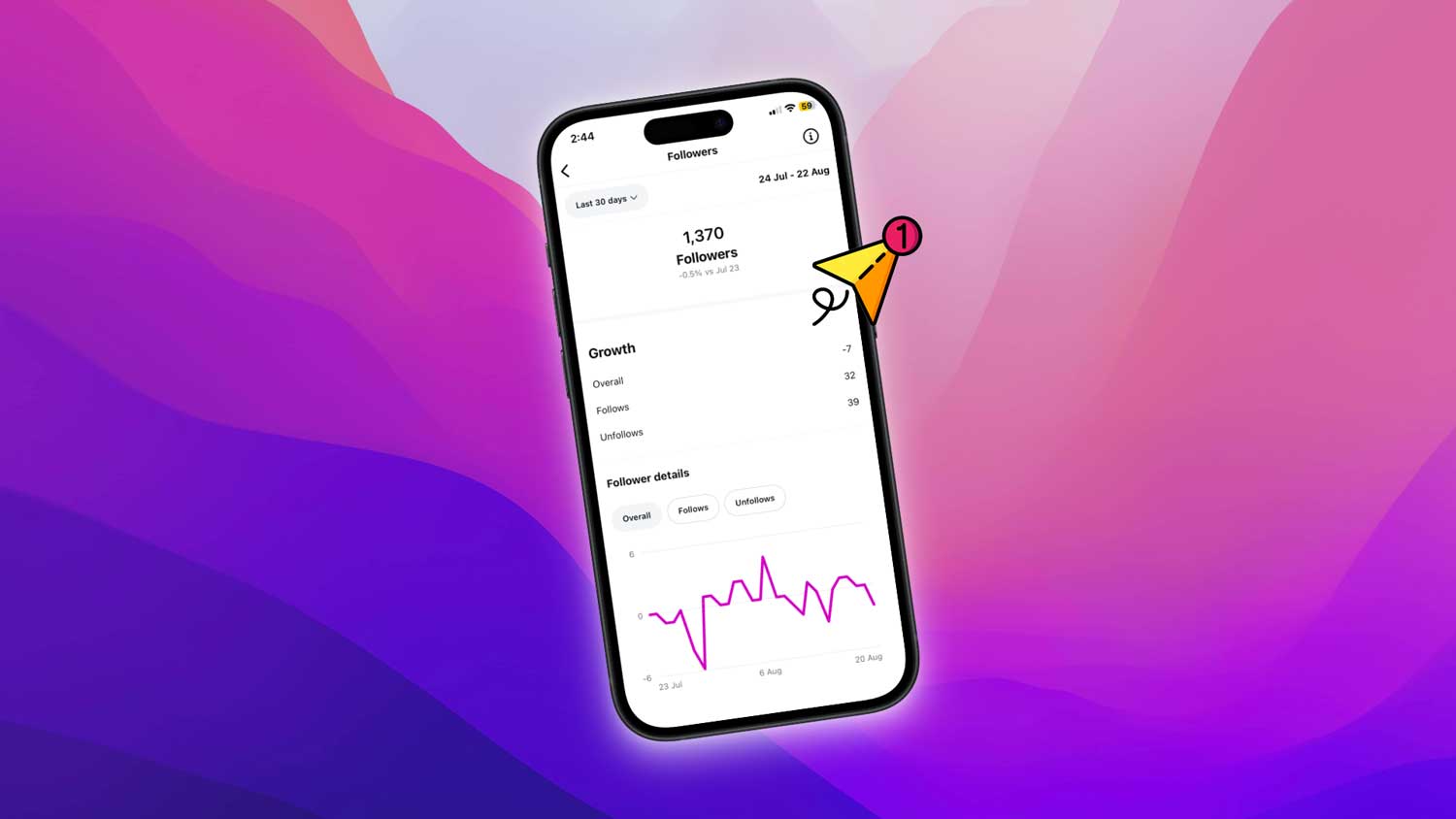
You can, however, keep an eye on your followers as well if you are concerned about your followers’ count.
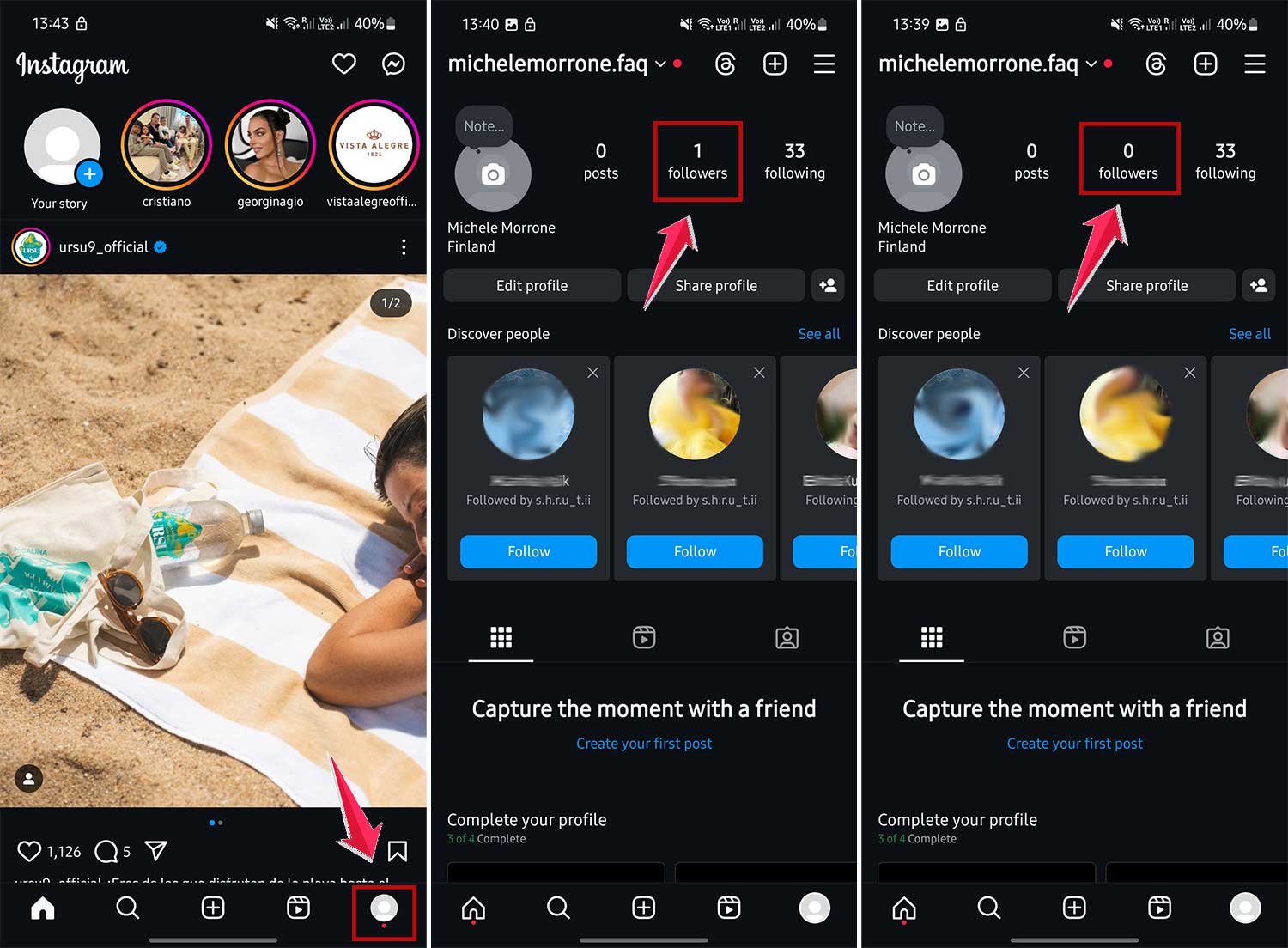
If your followers count drops, it means someone has unfollowed you.
It stings sometimes. Especially if it’s a friend. But try not to take it personally. People curate their feeds for many reasons. It’s not always about you.
And let’s be honest. Do you really want people in your feed who don’t want to be there?
Does Instagram show unfollow history?
Nope.
There’s no timeline. No record. Nothing in your activity log shows unfollows.
If you forget who you unfollowed, there’s no way to go back and see it later unless you wrote it down.
Instagram is built to focus on what’s current. not what happened in the past. So once it’s done, it’s done.
Is there a way to unfollow people secretly?
Unfollowing is already pretty private.
But if you want to be extra careful, don’t interact with their posts or stories just before unfollowing. That way, your name doesn’t pop up in their notifications right before you disappear from their follower list.
Also, if you plan to unfollow many people, do it gradually. Unfollowing a bunch of people at once might make someone suspicious if they’re keeping tabs.
What’s the difference between unfollowing, muting, and blocking?
Let’s break this down in plain English:
- Unfollow: You stop seeing their content. They can still see yours (if your account is public or they’re still following you).
- Mute: You keep following them, but don’t see their posts or stories. They won’t know.
- Block: You both disappear from each other’s Instagram. They can’t see you. You can’t see them. It’s a hard cut-off.
Blocking is the loudest. Unfollowing is silent. Muting is invisible.
Choose what fits your situation.
How do you unfollow someone?
If you’re sure about it, here’s how to do it:
- Open their profile.
- Tap “Following.”
- Tap “Unfollow.”
That’s it. No alert is sent. You’re free.
Should you worry about unfollowing someone?
Not really.
Social media is supposed to make you feel good. not stressed. If someone’s posts make you feel annoyed, overwhelmed, or disconnected, it’s okay to hit unfollow.
You don’t owe anyone a permanent spot in your feed.
But if you want to stay connected without seeing their content, mute them. That’s what it’s there for.
Final thoughts
Unfollowing someone on Instagram doesn’t send them a notification. So you can manage your following list in peace.
But if they’re really paying attention, they might notice. And that’s okay.
Your feed should reflect what you care about. The content you want to see. The people you want to keep up with.
Use the tools Instagram gives you. mute, unfollow, or even block. to create that space for yourself.
You don’t need to explain your choices to everyone. But if it’s someone close to you, be honest if the topic ever comes up. One real conversation can save a lot of awkwardness.
So go ahead. Clean up your feed. Curate your space. Make Instagram feel like your space again.
And remember. Social media is just one part of your life. Don’t let a tiny button stress you out.