Are you trying to sign up for a new service but don’t want to use your real phone number? You’re not alone. Millions of people are looking for ways to protect their privacy online.
When you’re setting up accounts on websites or apps, you often need to verify your identity with a text message. But what if you don’t want to share your personal number? Or maybe you’re using a tablet or another device that can’t receive regular texts?
That’s where special texting apps come in. These apps can give you a separate number just for getting those verification codes. It’s a smart way to keep your real number private while still being able to use all your favorite online services.
In this guide, we’ll show you the best texting apps for getting verification codes on your Android device. You’ll find out how to stay connected and secure without compromising your privacy. Ready to take control of your online identity?
Looking for a way to get verification codes without using your real phone number? You’re in luck! There are several great texting apps that can help you out. Let’s take a look at some of the best options for your Android phone.
Best texting apps to get verification codes on your Android phone
1. TextNow
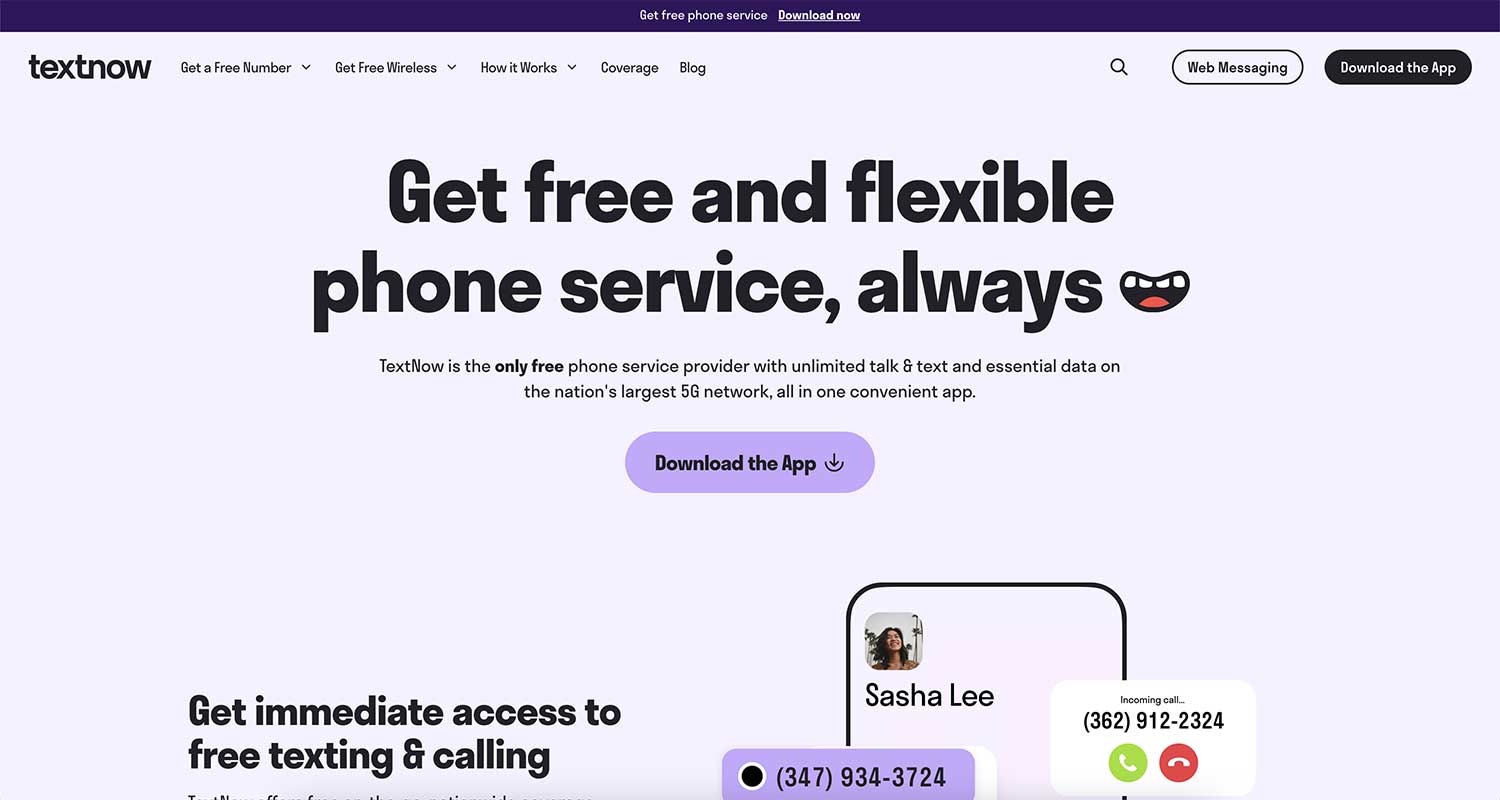
TextNow is a popular choice, and for good reason. It’s completely free to use and lets you do more than just receive texts. You can make calls too. What’s really cool is that you can use it right from your web browser if you want.
To keep things organized, TextNow offers handy widgets and even sends email alerts for new texts. If privacy is a concern, you can lock the app with a password. Just remember to use your TextNow number regularly, or you might lose it.
2. Google Voice
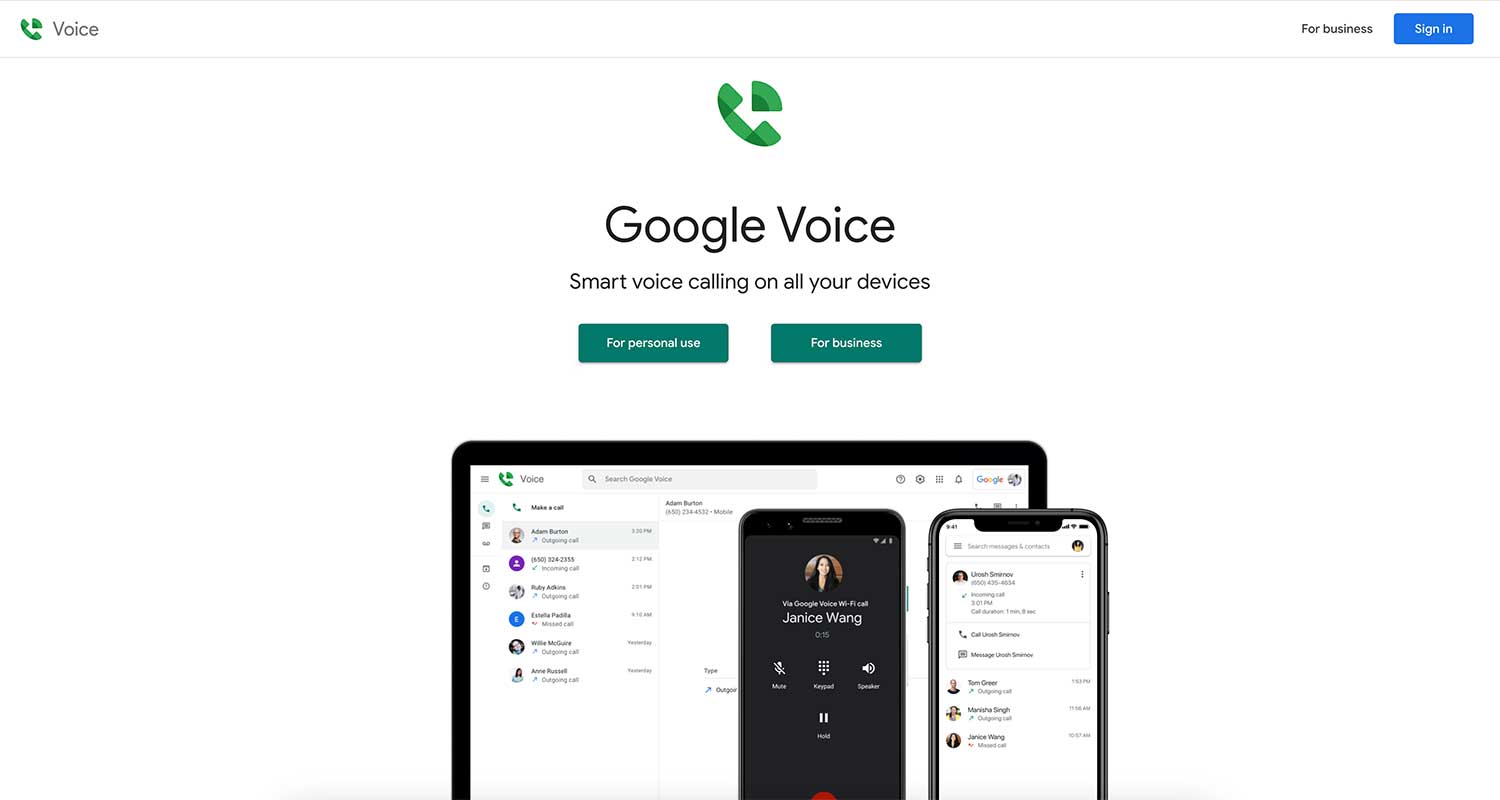
If you’re already using Google services, Google Voice might be perfect for you. It’s free, ad-free, and integrates well with other Google products. You’ll get email notifications for texts and warnings before your number expires.
One thing to keep in mind is that you need an existing phone number to use Google Voice. It’s only available for personal Google accounts in the U.S., and some Google Workspace accounts in other countries.
3. textPlus
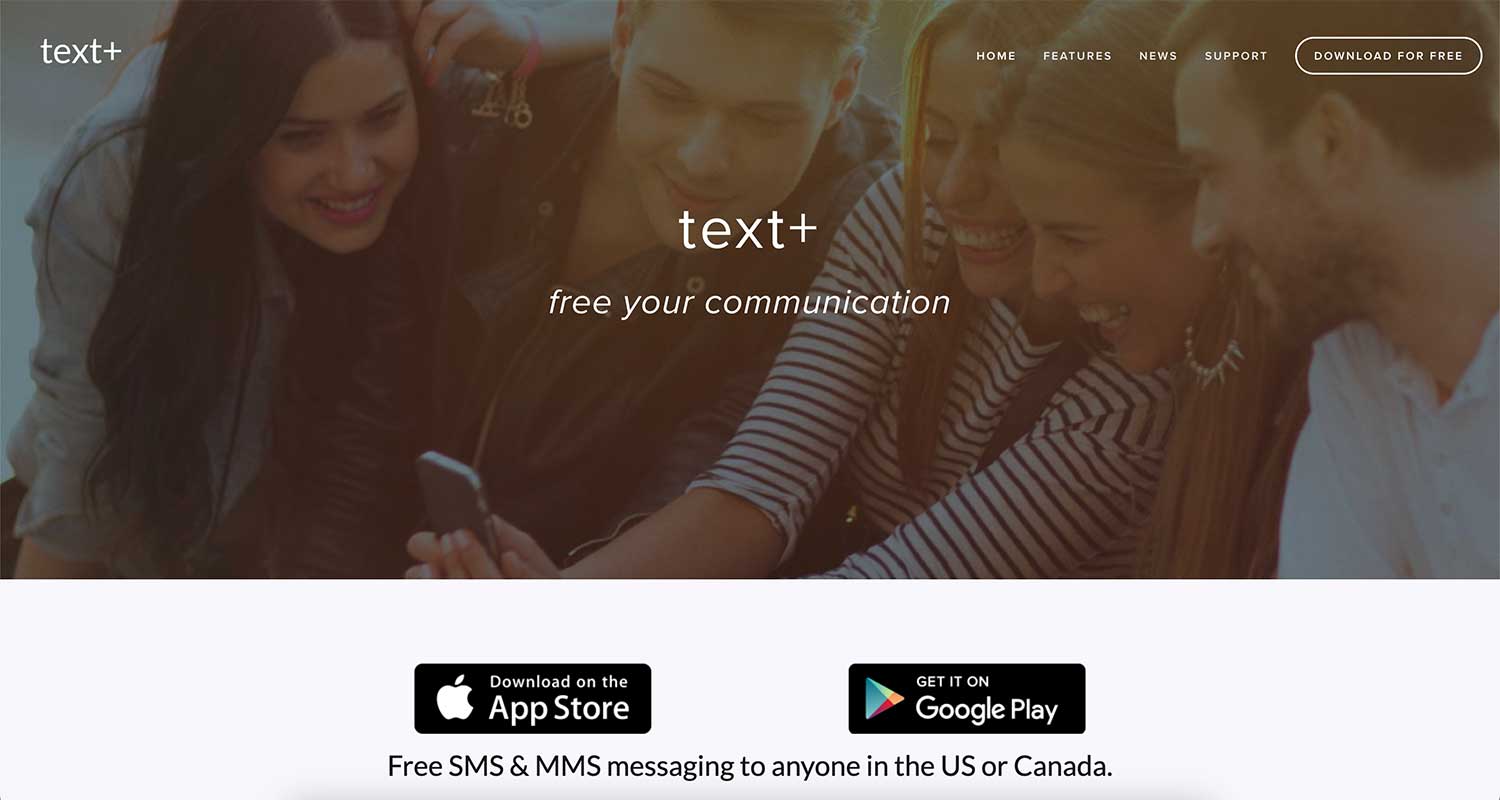
With textPlus, you get unlimited free texting in the U.S. and Canada. You can even change your number once for free if you need to. It’s great for safety too, as it supports 911 calling in the U.S.
To keep your number active, make sure to use it at least once a week. You can also pay a small fee to secure your number for a whole year if you want to be sure.
4. TextFree
TextFree is super easy to get started with, especially if you use your Google account to sign up. It has some neat features like an auto-reply function and the ability to mark all messages as read at once.
You don’t need to buy anything to receive texts, which is great for getting those verification codes. Just remember to use your number every 30 days to keep it active.

5. Burner
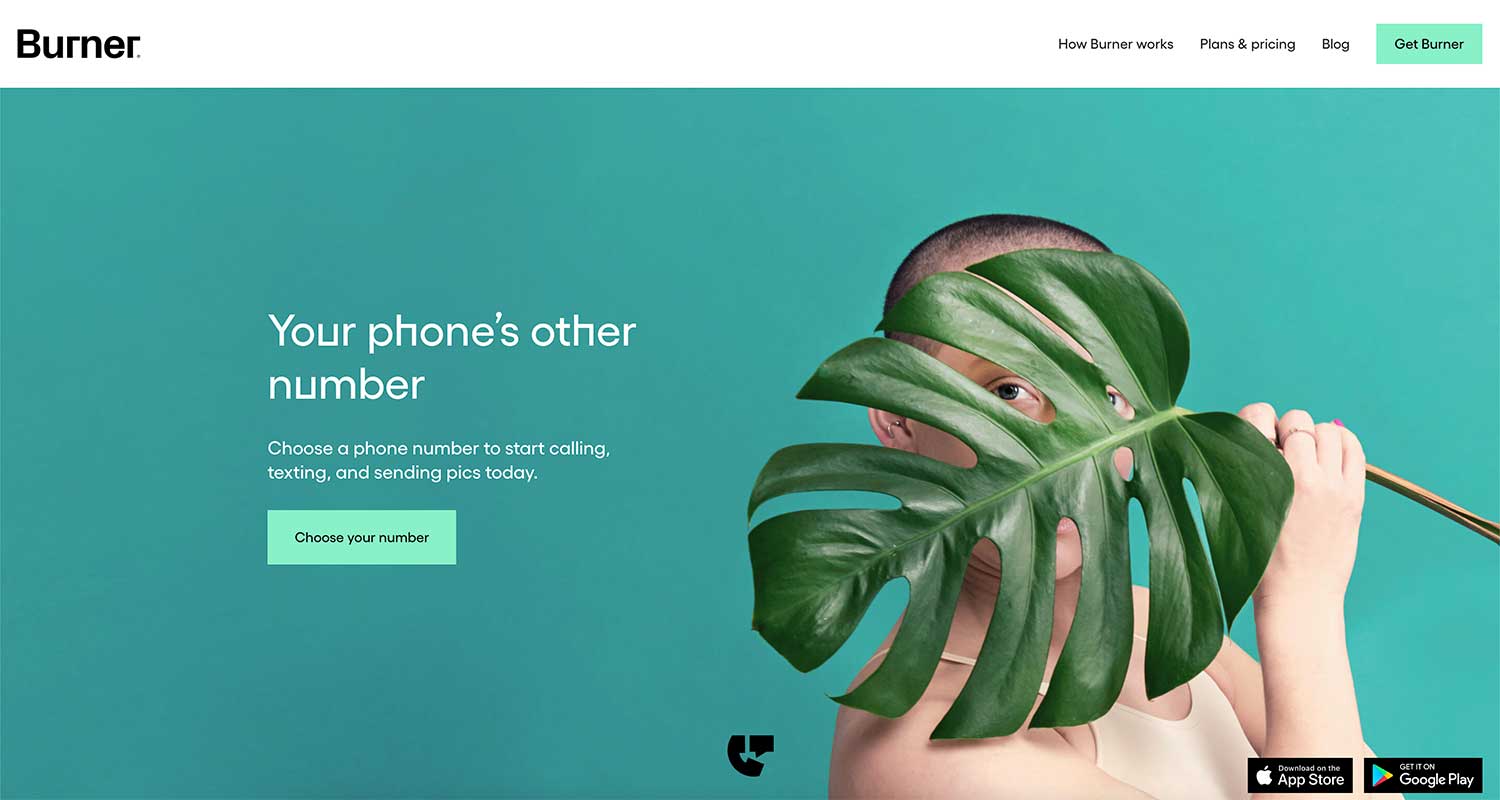
If privacy is your top concern, Burner might be the app for you. It offers built-in spam protection and lets you choose any area code you want. You can even password-protect the app for extra security.
Burner gives you a free 7-day trial to test it out. After that, you’ll need to subscribe. But the clean, ad-free interface might be worth it if you value a distraction-free experience.
6. Sideline
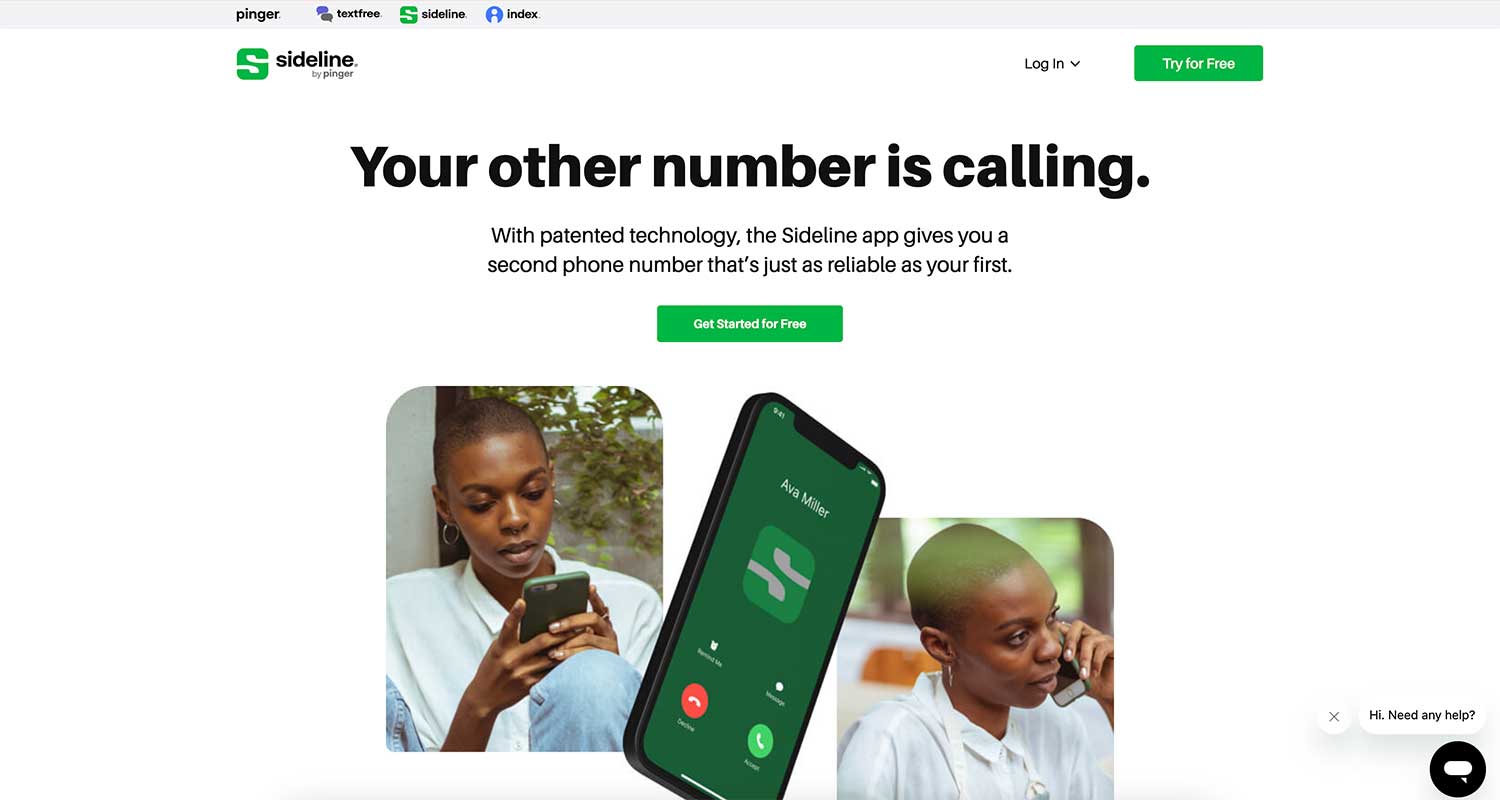
Sideline is great if you want a second number for professional use. You can text from your computer and choose your preferred area code. The interface is clean and ad-free, which is a nice bonus.
There’s a 7-day free trial, but after that, you’ll need to subscribe. It’s a good option if you want to keep your work and personal communication separate.
Remember, the world of apps is always changing, so features and pricing might vary. It’s a good idea to check the app stores for the most up-to-date information before you download.
The takeaway
Let’s wrap this up in a way that’s useful for you. You’re looking for a way to get those pesky verification codes without giving out your real number, right? Well, good news – you’ve got options!
We’ve talked about quite a few apps that can help you out. Some, like TextNow and TextFree, are totally free but come with ads. Others, like Burner or Sideline, might cost a bit but give you a cleaner experience. The key is to think about what matters most to you.
Do you want something that’s super easy to use? Are you willing to watch a few ads to keep things free? Or do you need something with extra privacy features?
Don’t worry if you’re not a tech wizard. These apps are designed to be user-friendly. You can usually set them up in just a few minutes. Just remember to use your new number regularly so you don’t lose it. And hey, it’s okay to try out a couple of different apps to see which one feels right for you.
The bottom line? You can absolutely stay connected and verify accounts without putting your personal number out there.
Why not download one of these apps today and give it a shot? You might be surprised at how much easier (and more secure) it makes your online life.